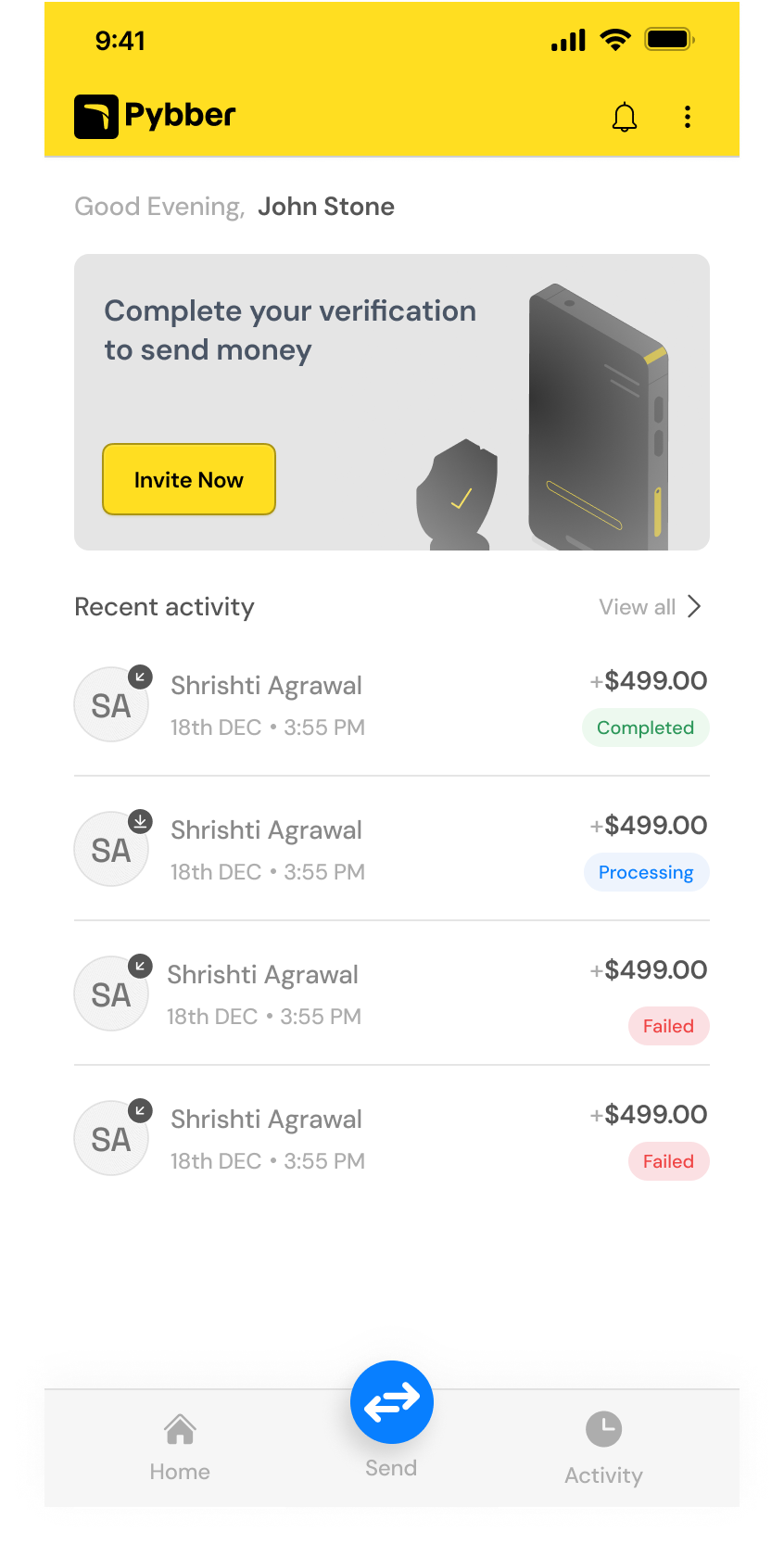
Identity verification (KYC)
We verify your identity with an official document, face recognition and a liveness check to prevent impersonation and protect your transfers.

Security and compliance
Every user is verified, every transaction travels encrypted and no transfer leaves without your biometric verification or PIN. This is how Pybber security works, step by step.
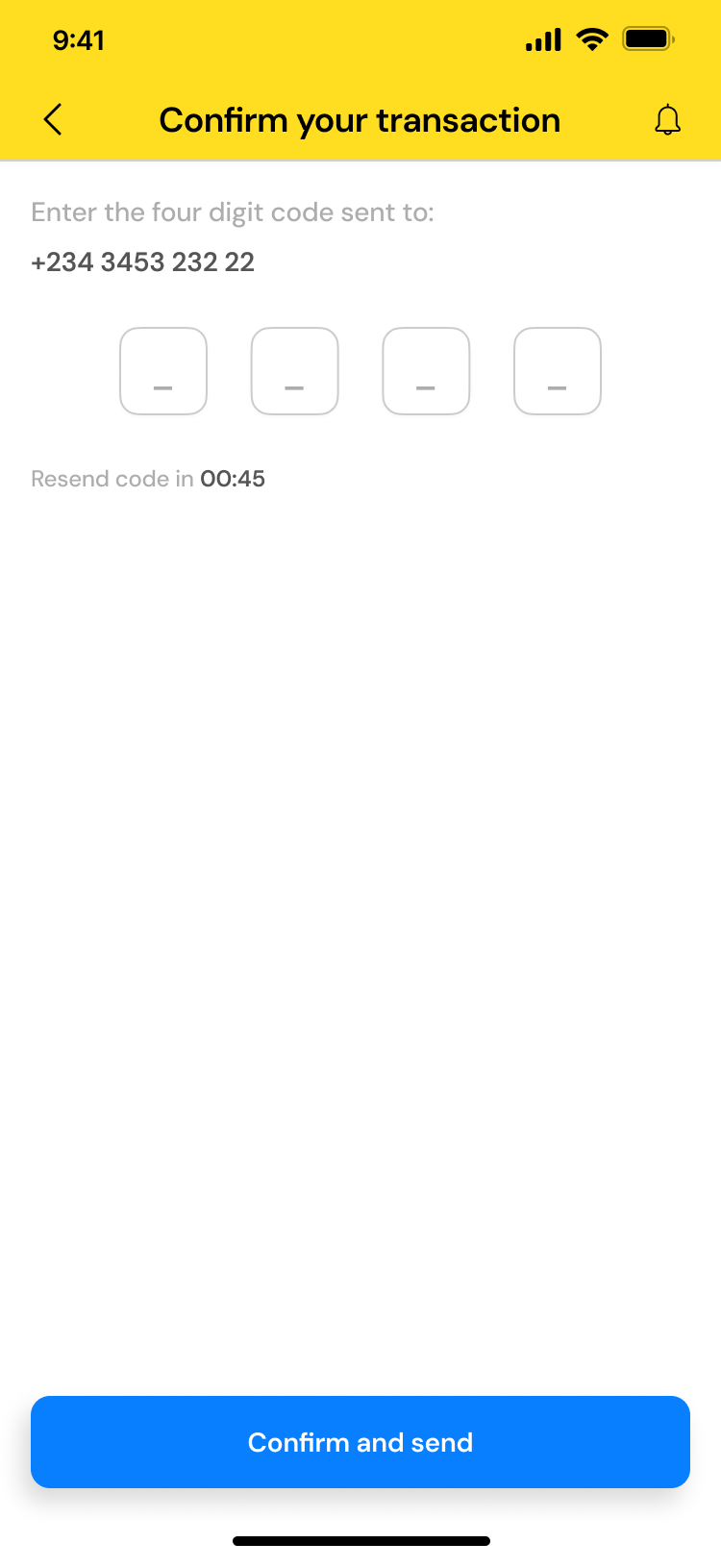
We verify your identity with an official document, face recognition and a liveness check to prevent impersonation and protect your transfers.
We protect your personal and financial information with encryption technology and security protocols used in the banking sector.
We protect access and transfers with face recognition, fingerprint and a personal PIN, preventing unauthorized operations.
We monitor transfers to detect suspicious activity, prevent fraud and protect every operation.
We recognize your usual devices and apply additional checks when you sign in from an unknown device.
Get notifications about your transfers, sign-ins and important activity so you stay in control of your security.
We analyze unusual movements and apply additional controls to prevent fraudulent transactions and protect your money.
Entities and partners by country. Pending client confirmation.
A failed transfer is never lost: the money returns to your account.
You get a notification with the reason (incorrect details, limit exceeded, pending verification process) and the transfer shows as Failed in Activity.
The amount returns to your Pybber balance automatically. If it was charged to your card, the refund arrives in approximately 3 to 5 business days.
Chat in the app or WhatsApp, in English and Spanish, to retry the transfer or open a dispute with the transaction number.
If someone does, it isn’t Pybber. Report it from the app.
Available for iPhone and Android. Download Pybber, create your account, verify your identity and send money to other countries using the recipient’s phone number, easily, quickly and securely.