Your phone number
It’s your username. You get an SMS code every time you sign in or confirm a transfer.

Full guide
From downloading the app to your contact seeing the money in their account. No agencies, no IBAN, and the fee shown before you confirm.
No bank account, email or password required.
It’s your username. You get an SMS code every time you sign in or confirm a transfer.
A valid ID or passport. Verified once, with a photo and a selfie.
The recipient also uses Pybber. If they don’t have it yet, they get an SMS invitation.
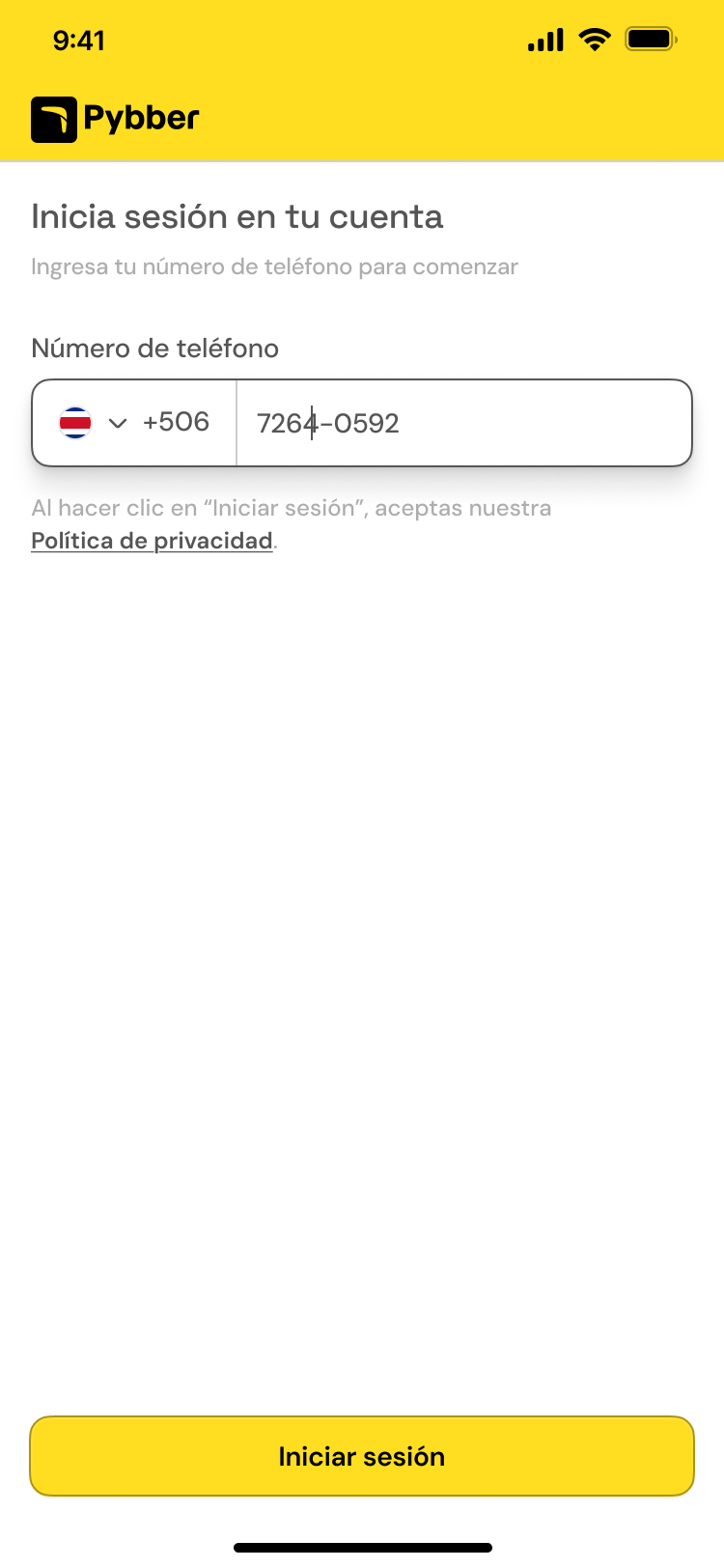
Type your number and accept the terms. No long form and no password to remember.
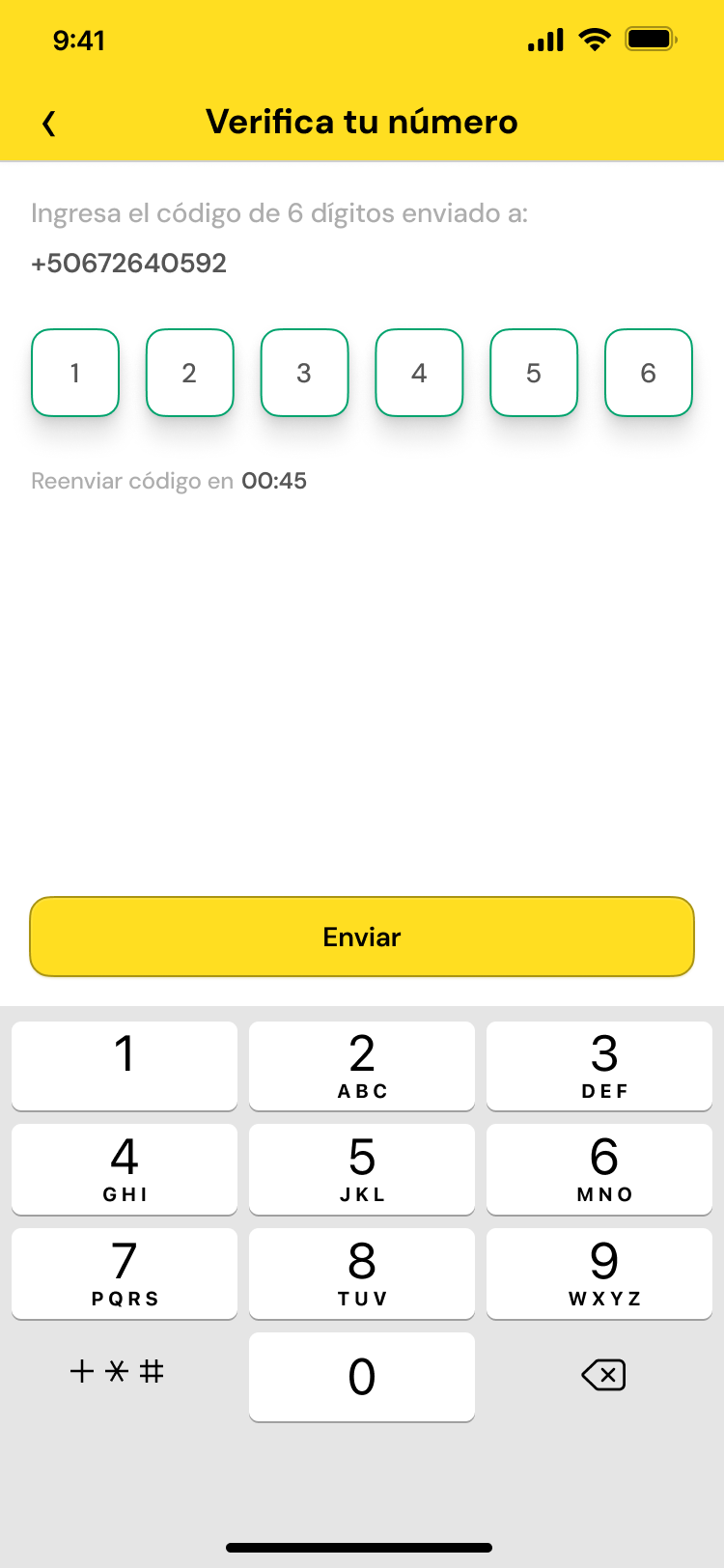
Four digits. If it doesn’t arrive, you can request another after 30 seconds.
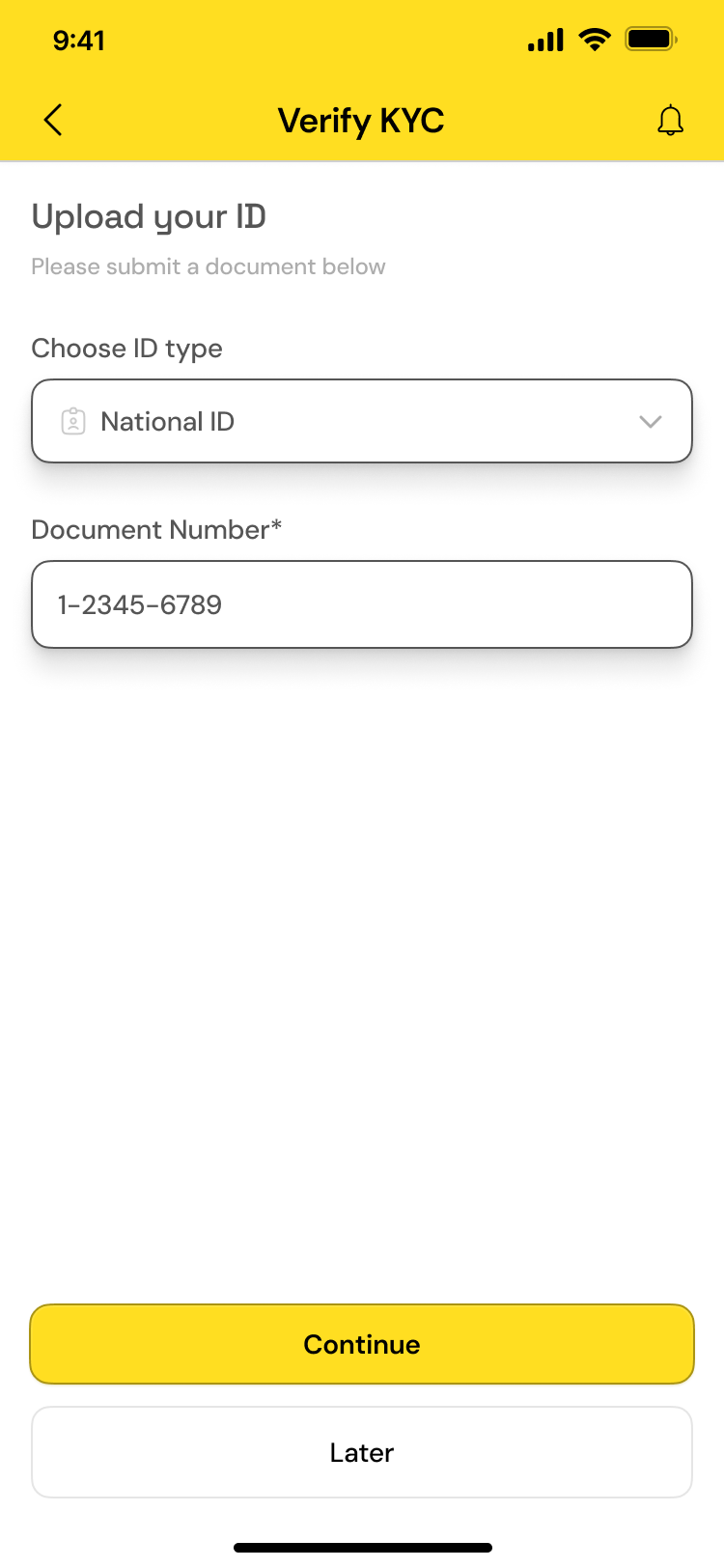
Choose the document type, type the number and take the photos. Approval usually takes under 3 minutes.
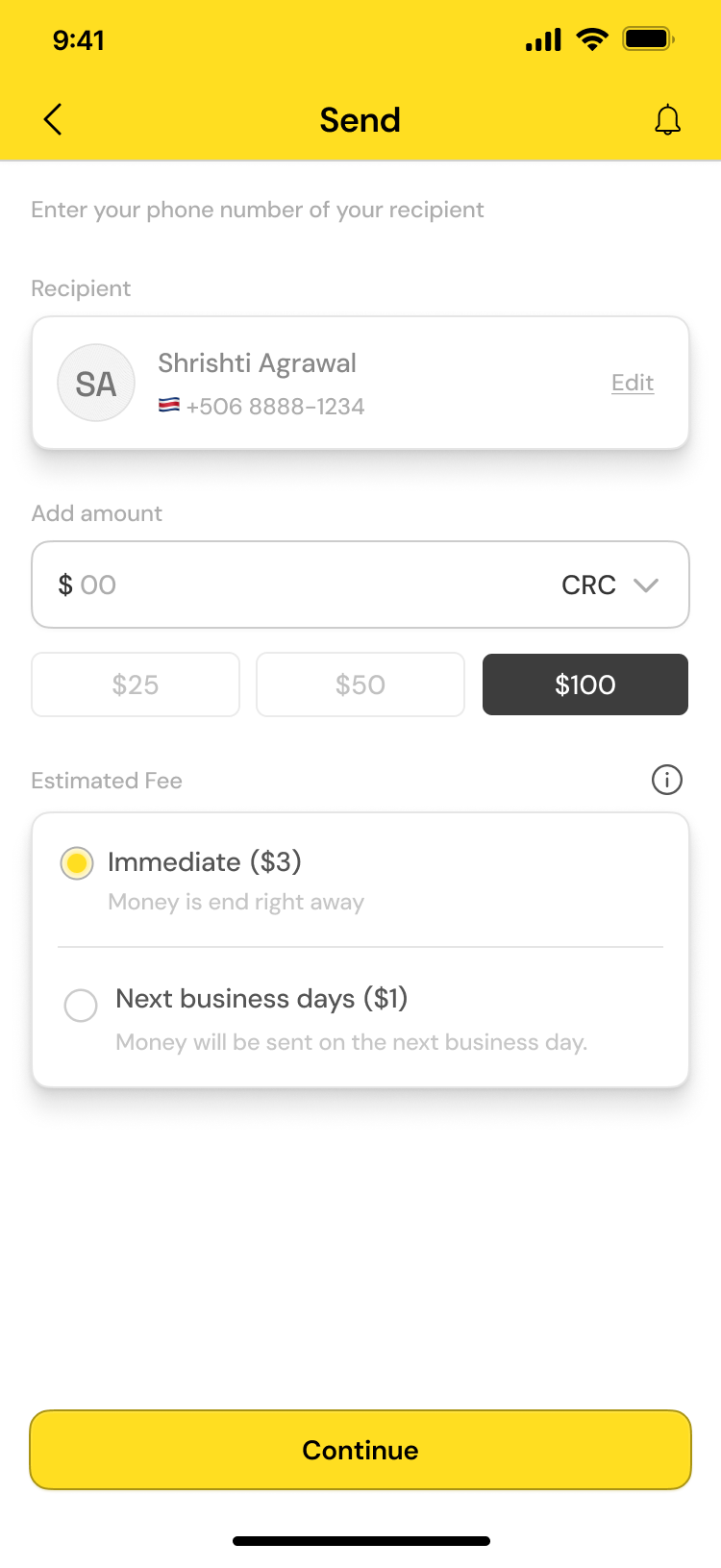
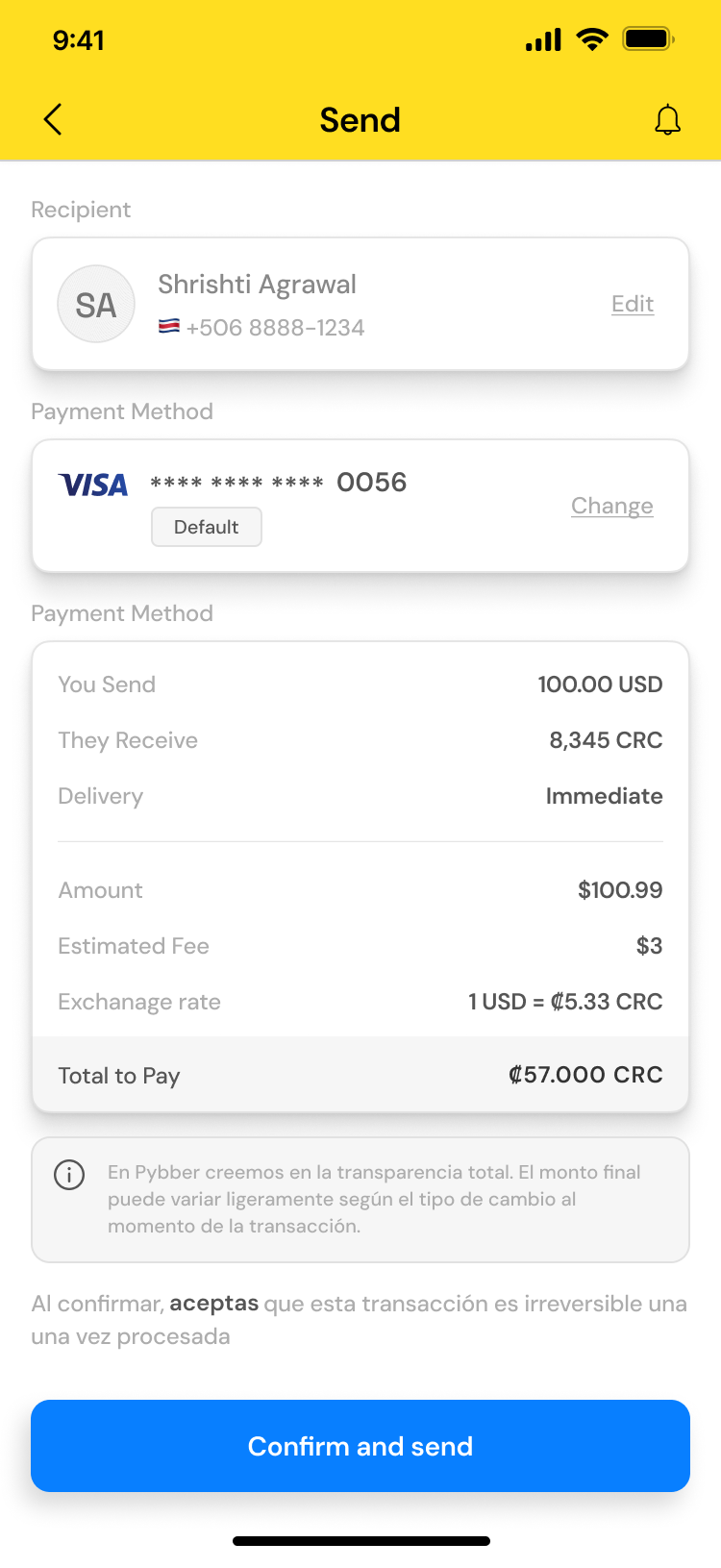
Pybber shows who is already on the app. You type how much you send in your currency and see what they get in theirs.
Before sending you see the fee, the exchange rate and the total. You confirm with a one-time code.
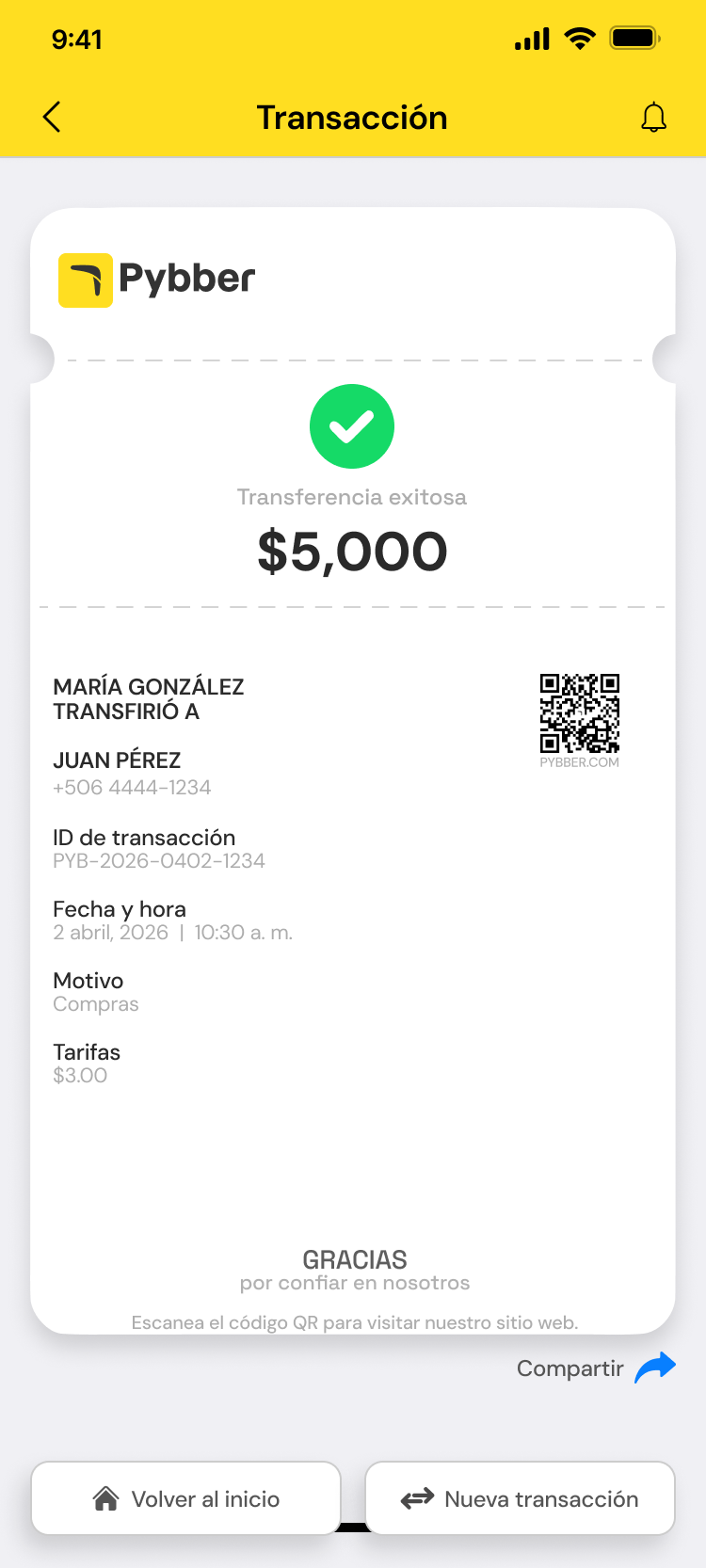
Every transfer creates a receipt with a transaction number, ready to share on WhatsApp or save as PDF.
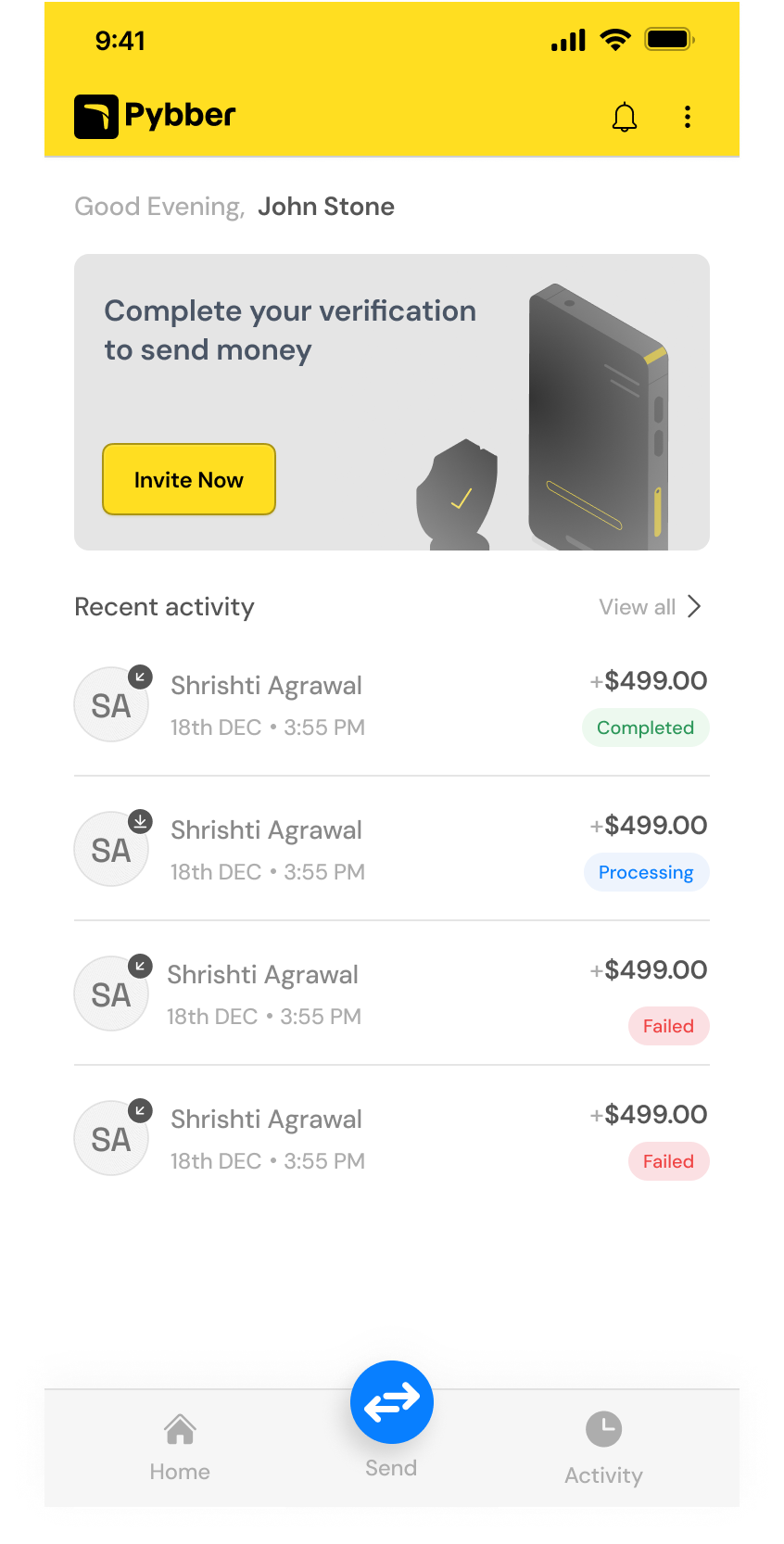
They get a notification the moment the money arrives and see it in their Pybber balance. From there they can send it to someone else or withdraw it through the options available in their country.
The same ones you see in the Activity tab of the app.
The transfer was confirmed and is on its way. Instant mode takes minutes; next business day, by the next working day.
The money is in your contact’s account. Both get a notification and the receipt stays in Activity.
If something prevents the transfer, the money returns to your account and we tell you why. Support can help you retry.
Available for iPhone and Android. Create your account with your phone number, verify your identity and send money abroad in under 10 minutes.